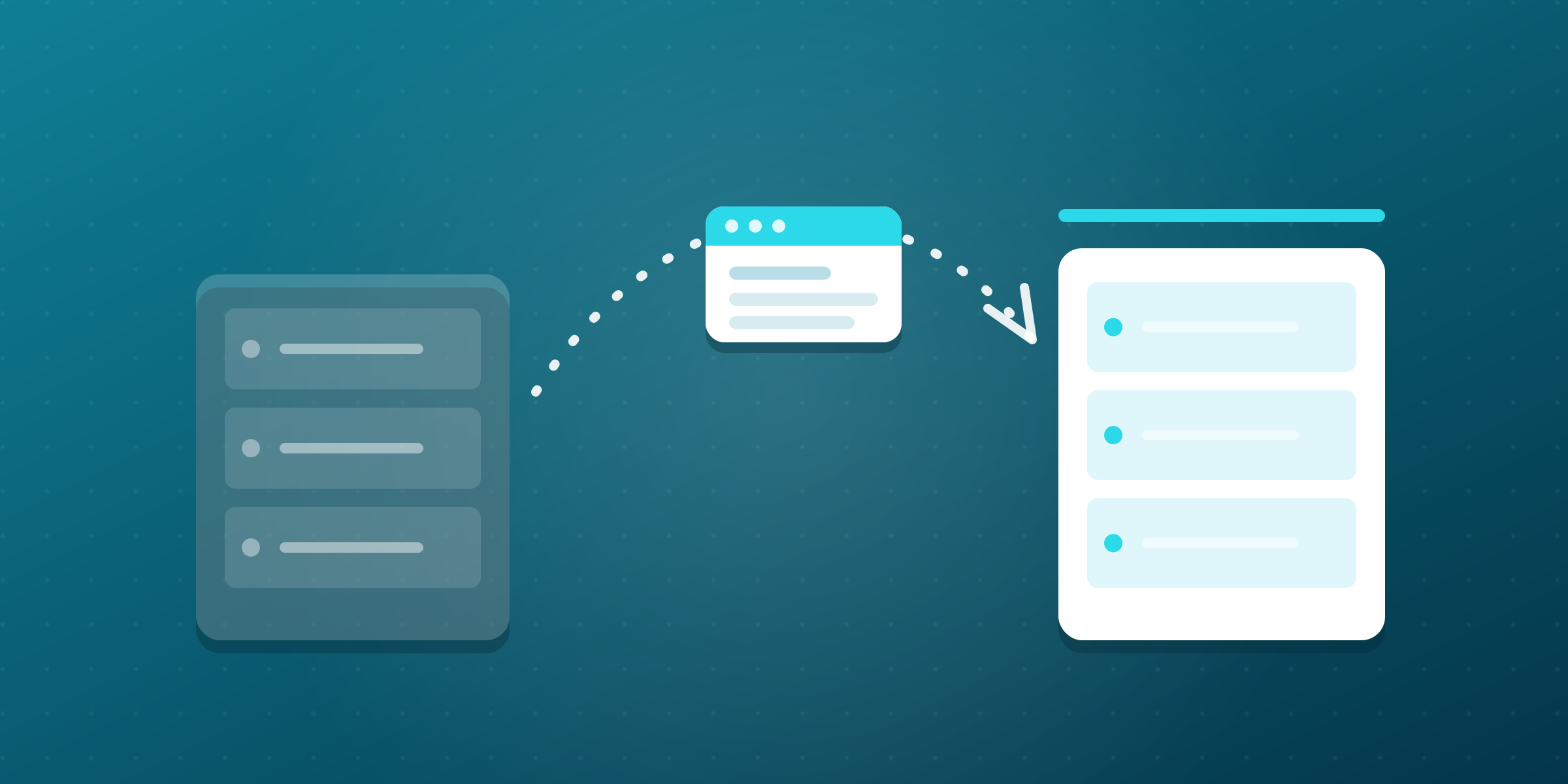
Thinking about moving to Etheron Hosting? Good choice! Switching to Etheron is a lot easier than you might think. Whether you're running a website, VPS, or game server with another provider: with a bit of preparation, everything will be up and running with us in no time. In this article, we walk you through the entire migration step by step.
Why switch to Etheron Hosting
At Etheron, your website or server runs in the ISO-certified datacenters of NorthC and Databarn in Amsterdam, on green energy and with DDoS protection as standard. Our web hosting comes with DirectAdmin, LiteSpeed, free SSL, and automatic backups with 7 days of retention.
On top of that, you get Dutch support via Discord and our ticket system, and you can always follow the status of our platform live at status.ping64.net. We also have experience with large migrations: we've already moved the complete customer bases of StackIP, Freaze Hosting, and Serverbuilds to our own platform.
Step 1: make a full backup
Before you move anything at all, make a full backup at your current provider. That way, nothing can get lost along the way. Think of:
- Files: download all website files via FTP or the backup feature of your current control panel.
- Databases: export your MySQL databases as a .sql file, for example via phpMyAdmin.
- Email: keep important mailboxes locally via IMAP in your email client.
- DNS records: take a screenshot or export of your current DNS settings, so you can copy them exactly later on.
Moving your website to Etheron Hosting
The best part: you don't have to do this yourself. Starting at 25 euros, we take the migration of your website off your hands via our migration service, and it doesn't matter which provider you're coming from. With the Plus and Pro plans, this migration service is even included completely free of charge.
Here's how it works in three steps:
- Choose a plan: pick a web hosting plan that fits your website.
- Request the migration service: fill in the form on the migration page and select your plan as the related service.
- Link your domain: transfer your domain name and link it to your new plan.
Prefer to do it yourself? Then upload your files via FTP or the File Manager in DirectAdmin, create a new database, and import your .sql export. With Softaculous, you can also install WordPress and hundreds of other applications in just a few clicks.
Transferring your domain and DNS
Your domain name simply comes with you. Request the transfer code (authorization code or EPP code) from your current provider and start the domain transfer via our website. Then set up your DNS records correctly:
- Transfer code: this confirms that you are the owner and releases the transfer.
- DNS records: copy over your old records and change the A record to the IP address of your new plan or server.
- TTL: lower the TTL of your records a day in advance, so the change propagates worldwide more quickly.
Moving your VPS or game server to Etheron
With a VPS or game server, you'll be switched over in no time as well. Our VPSes run on fast AMD EPYC cores with NVMe storage, and the VirtFusion panel gives you full control. Move your configuration and data over with rsync, for example, or by reinstalling your applications, and then update your DNS.
Running a Minecraft, Valheim, or other game server? Then download your world files, plugins, and configuration from your current host and upload them to your new server in our game panel. In our knowledge base you'll find dozens of guides for Minecraft, Valheim, and more to help you along.
Testing and cancelling your old hosting
Before you switch over for good, check that everything works: click through your website, test forms, verify your database connections, and send a test email. Only when everything is running properly should you make the final DNS change.
After that, keep your old hosting plan running for another one to two weeks as a safety net. Everything working flawlessly? Then you can cancel your old subscription with peace of mind. By the way, at Etheron you're never locked in: our services can be cancelled at any time.
Need help with your switch
Do you have questions or would you like help with your switch to Etheron? Get in touch via our Discord or create a ticket at mijn.etheron.nl. We're happy to think along with you, so your move goes smoothly and stress-free. Welcome to Etheron!